Model identification
Assess the phone model and observed issue.
A phone problem is easier to discuss when the model and exact symptoms are known.
Start a conversation
Explore model identification alongside screen and case.
Assess the phone model and observed issue.
Review charging, battery, and startup symptoms.
Examine buttons, cameras, sound, and connection.
Identify visible changes to screen or case.
Note whether the concern involves display, charging, startup, or another function.
Start with the device condition and build the repair question from observable details.
Details that help picture mobile device repair questions and power behavior.




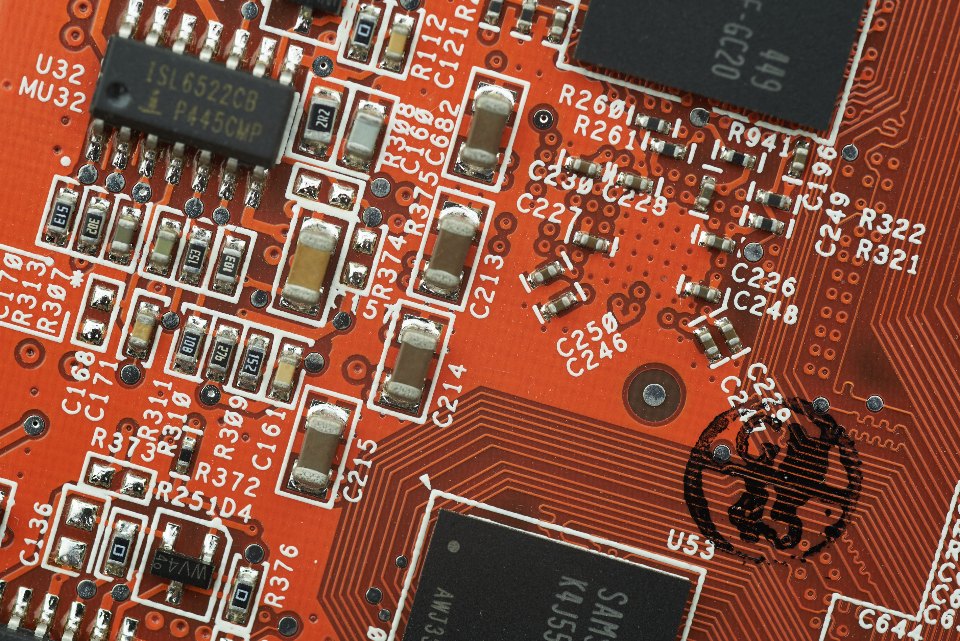

Illustrative photography. Images do not depict actual premises, staff, projects or inventory.
Share model, visible condition, and any recent change.
Note exactly what happens and whether it is consistent.
Separate screen, power, and function concerns in your message.
Whether the phone responds to a cable, powers on, or stops unexpectedly.
Yes. A clear view of the screen or case can show visible condition.
No. Describe the behavior and let the cause remain an open question.
Reach Kang Cao inc/ repair using the listed contacts. Describe the phone model and observed issue.